
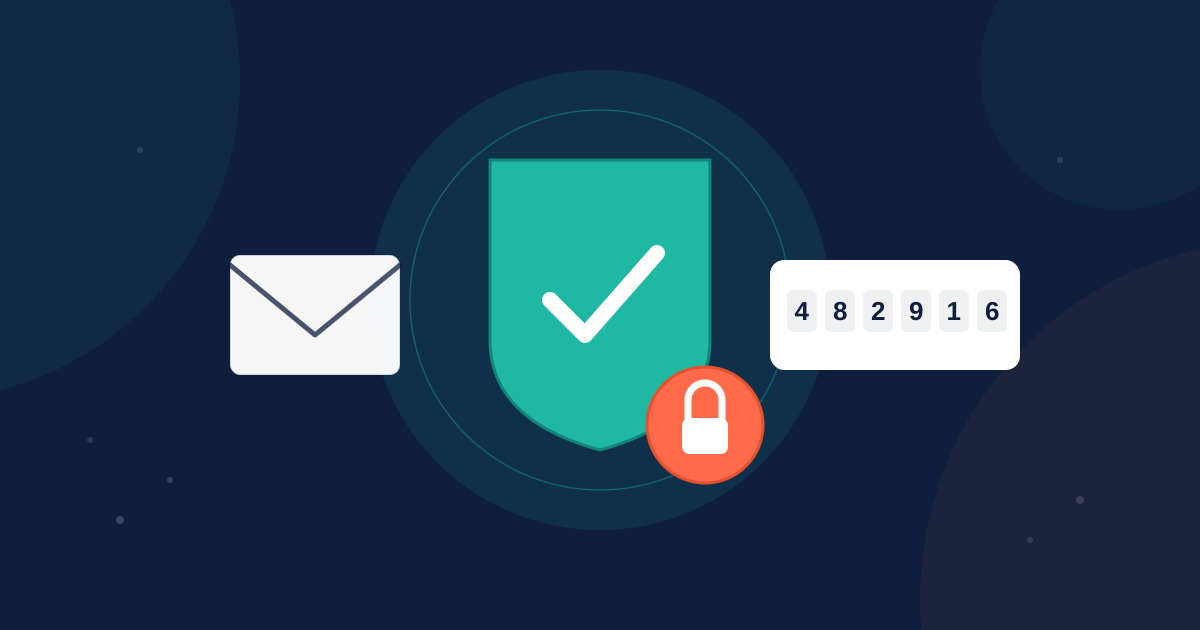
Your data deserves more than just a password. That's why we're excited to announce that our new "no-hassle" security feature, Two-Factor Authentication (2FA) is now available for every Glew.io account — giving admins a simple way to add an extra layer of protection to their store's data, without slowing teams down.
Why 2FA
Your commerce data is valuable and Glew is adding a layer of protection to keep your account secure. Passwords alone are no longer enough. Whether it's a shared login, a phishing attempt, or simple human error, password-only access leaves the door open to risk. Two-Factor Authentication closes that gap by requiring a second, time-sensitive proof of identity before anyone can get into your account — so even if a password is compromised, your data stays protected.
How It Works
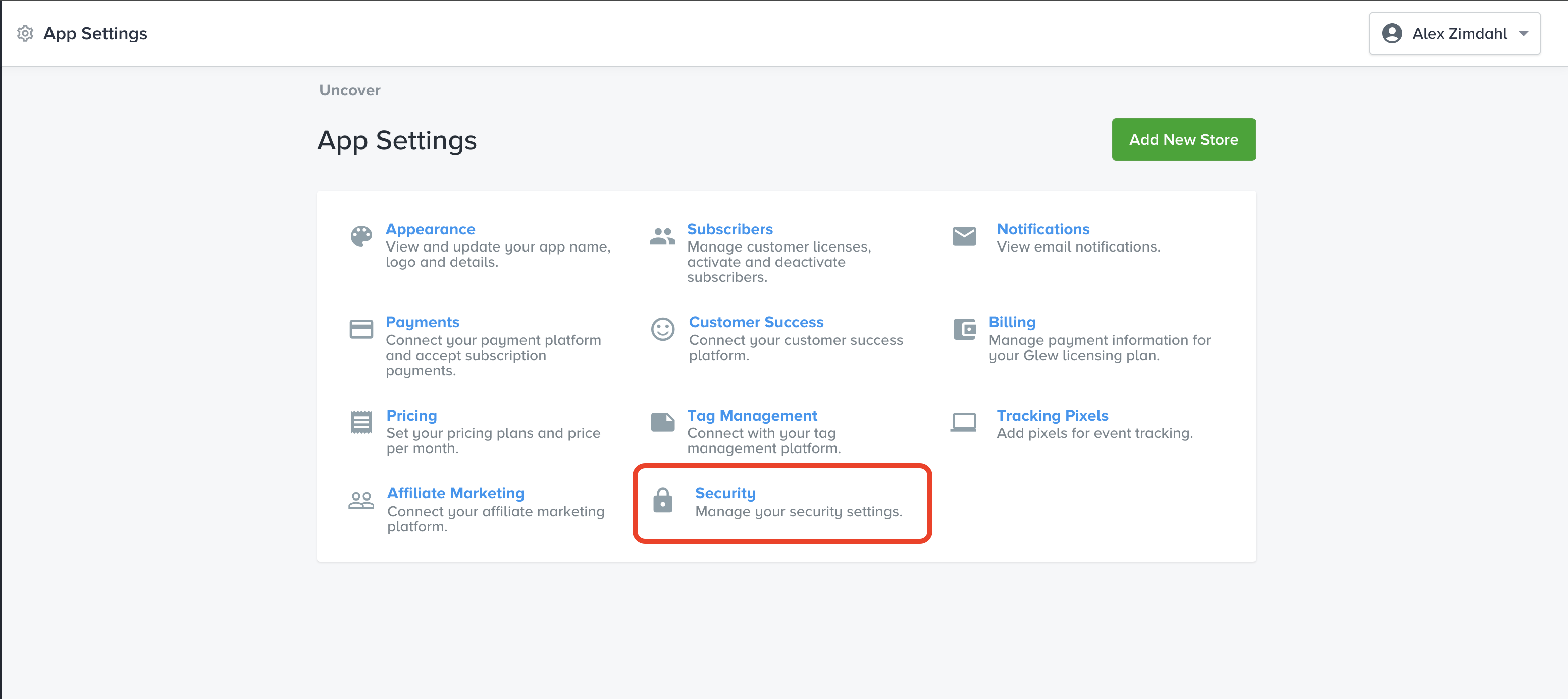
Getting started takes just a few clicks. Account admins can turn on 2FA by heading to:
Settings → Security → Two-Factor Authentication
From there, enabling 2FA rolls out protection across every user on every store tied to the account — no need to configure it store by store.
Once enabled, users will be prompted to complete a quick verification step the next time they log in:
- Log in with your usual email and password.
- Check your inbox for a six-digit verification code.
- Enter (or simply paste) the code to access the app.
That's it — no apps to download, no hardware tokens to keep track of.

Built for Flexibility
We know that security shouldn't come at the cost of convenience, so we gave admins control over how strict the experience should be:
- Remember trusted devices for 30 days — so your team isn't re-verifying every single login on devices you already trust.
- Require verification every session — for teams that want the highest level of control, sessions can be set to expire after 24 hours, prompting a fresh challenge each time.
Admins can adjust these settings anytime to match their organization's security needs.

Security That Doesn't Get in the Way
Every verification code is time-sensitive and single-use by design, automatically expiring after 10 minutes to keep your account secure. If a code isn't entered correctly, users get a few attempts to try again or simply request a new one — and our support team is always on hand if help is ever needed getting back into an account.

Built for Agencies, Too
Running a Whitelabel instance? Agency Admins get the same powerful protection, managed right from the App Settings menu — giving agencies centralized control over security across every client account they manage.
Turn It On Today
Two-Factor Authentication is available now for all Glew.io accounts, at no additional cost. Head to your Settings page to enable it in minutes and give your team — and your data — the protection they deserve.
Questions about setting up 2FA for your account? Reach out to our support team — we're happy to help.
Elevate your Commerce Intelligence with Glew.
Related posts
.webp)
What is Net Profit and How to Calculate It
.webp)
How to Effectively Tag AdRoll, Facebook Ads and Google Adwords for Accurate Attribution
.webp)